


Snap a Photo
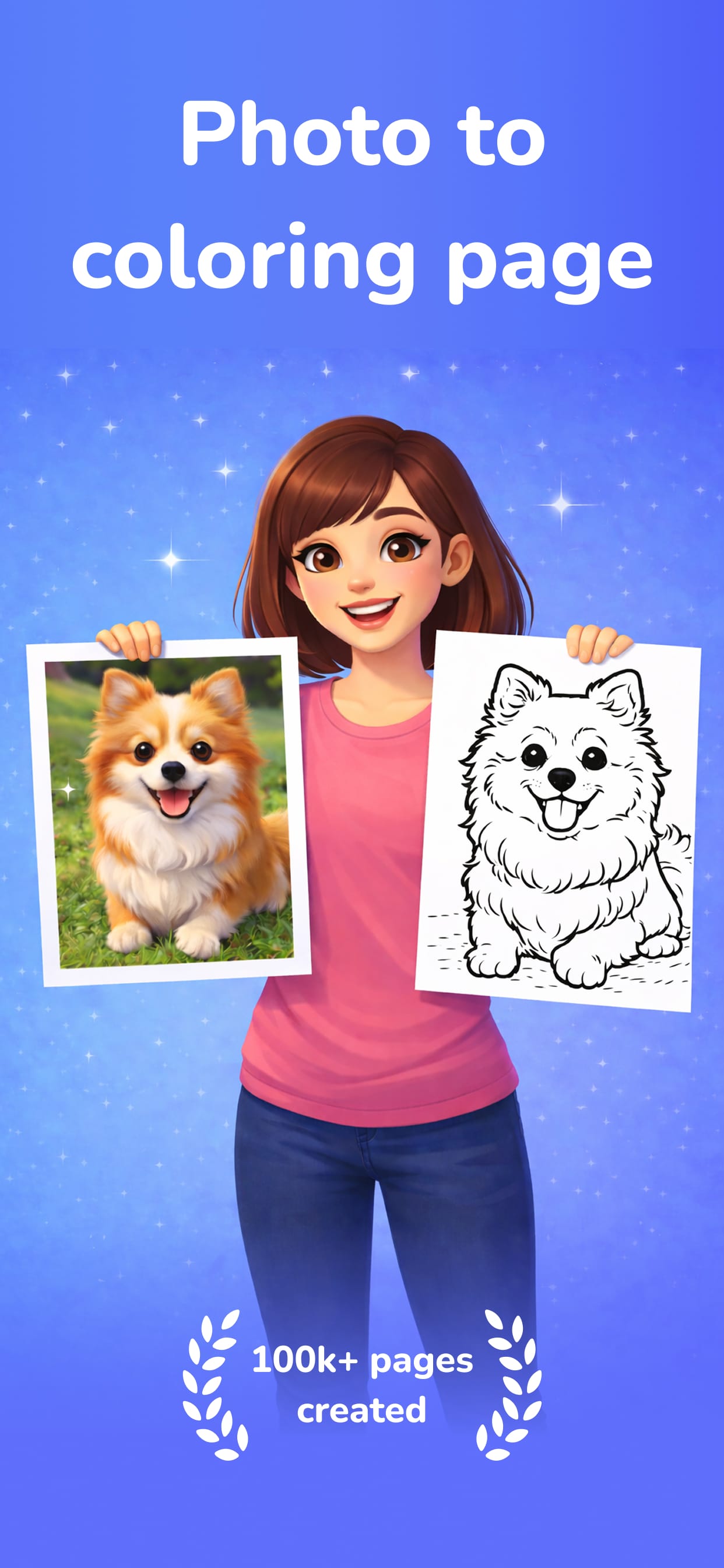
Take a picture of anything — your pet, a flower, a landmark — and watch AI transform it into a coloring page in seconds.
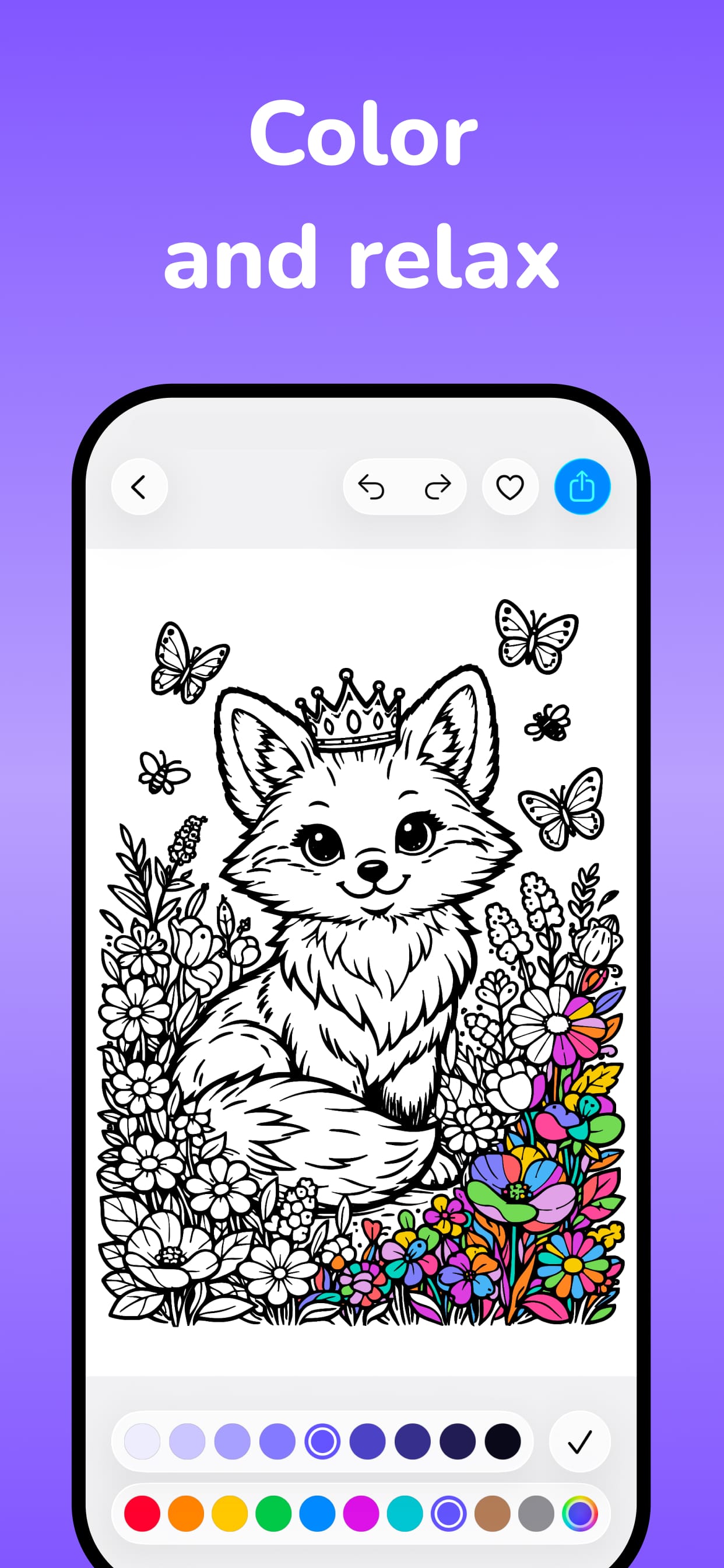
Snap a photo, tap to color, and relax.
Try it free
Upload a photo and watch AI turn it into printable line art — right here, no app needed.
Free preview · Photos are used only to generate your page and aren't stored.
Free to download & print
Hundreds of coloring pages, free to print.
Features
Take a picture of anything — your pet, a flower, a landmark — and watch AI transform it into a coloring page in seconds.
Fill areas with a single tap. Choose from vibrant palettes, adjust brush sizes, and bring your coloring page to life.
Browse hundreds of curated coloring pages — from enchanted fantasies and botanical gardens to mythical creatures.
How it works
Launch ColorFilla and tap Create.
Snap a picture or choose from your library.
Fill in your masterpiece and share it with the world.
Explore
Browse curated collections or create your own from any photo.
Reviews
★★★★★“My kids are obsessed! We photograph everything on walks and turn them into coloring pages. Absolute game-changer.”
Sarah M.
★★★★★“As an art teacher, I use this daily. The AI-generated outlines are incredibly clean and my students love it.”
David K.
★★★★★“So relaxing after a long day. The tap-to-color is brilliant — way better than fiddly brush tools in other apps.”
Emily R.
FAQ
Download ColorFilla for free and turn your world into art.